LLM RagFlow
本頁說明如何將微語對接 RagFlow,並以 Chat 或 Agent 模式作為外部知識型應用接入。
提示
社群版不支援此能力。請先升級到企業版或平台版。
步驟一:在微語中建立 RagFlow 提供商
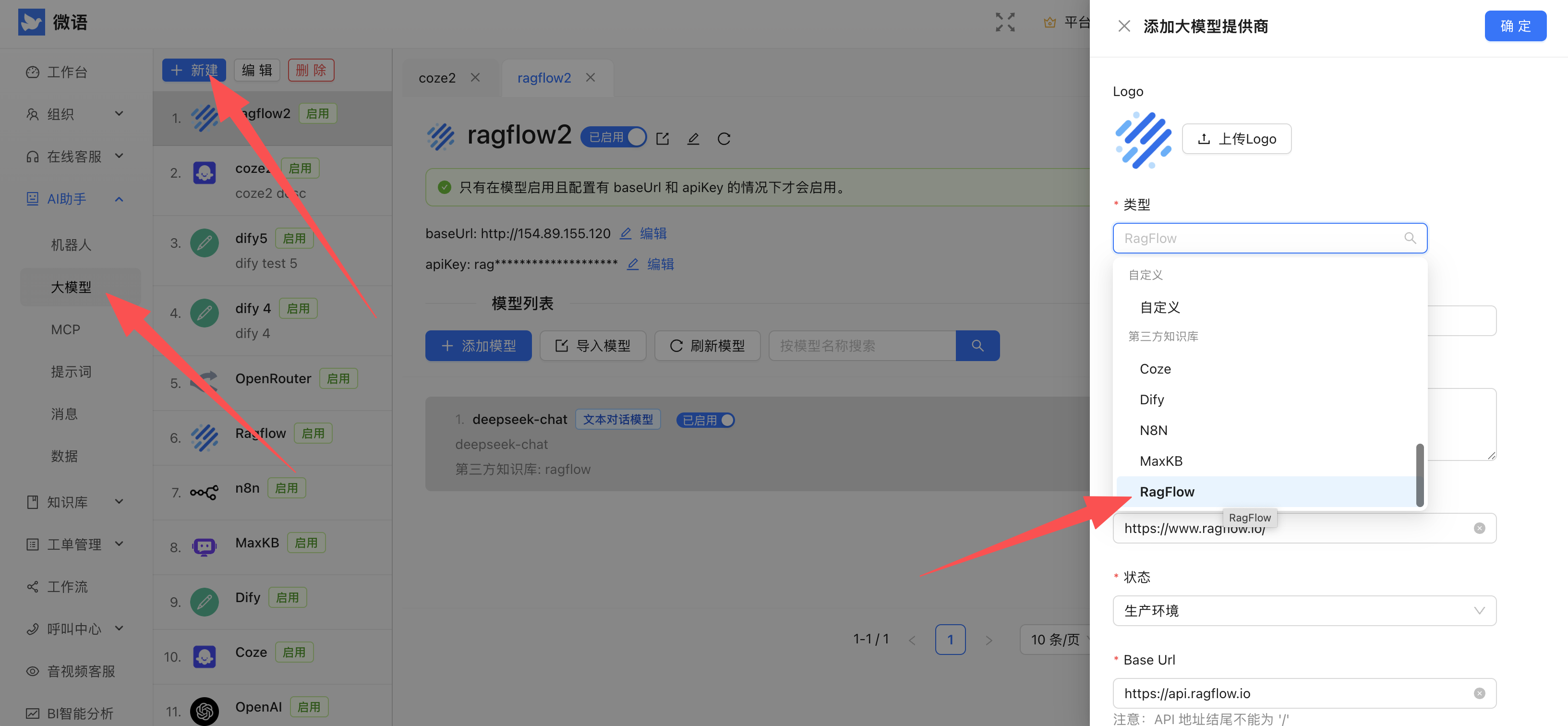
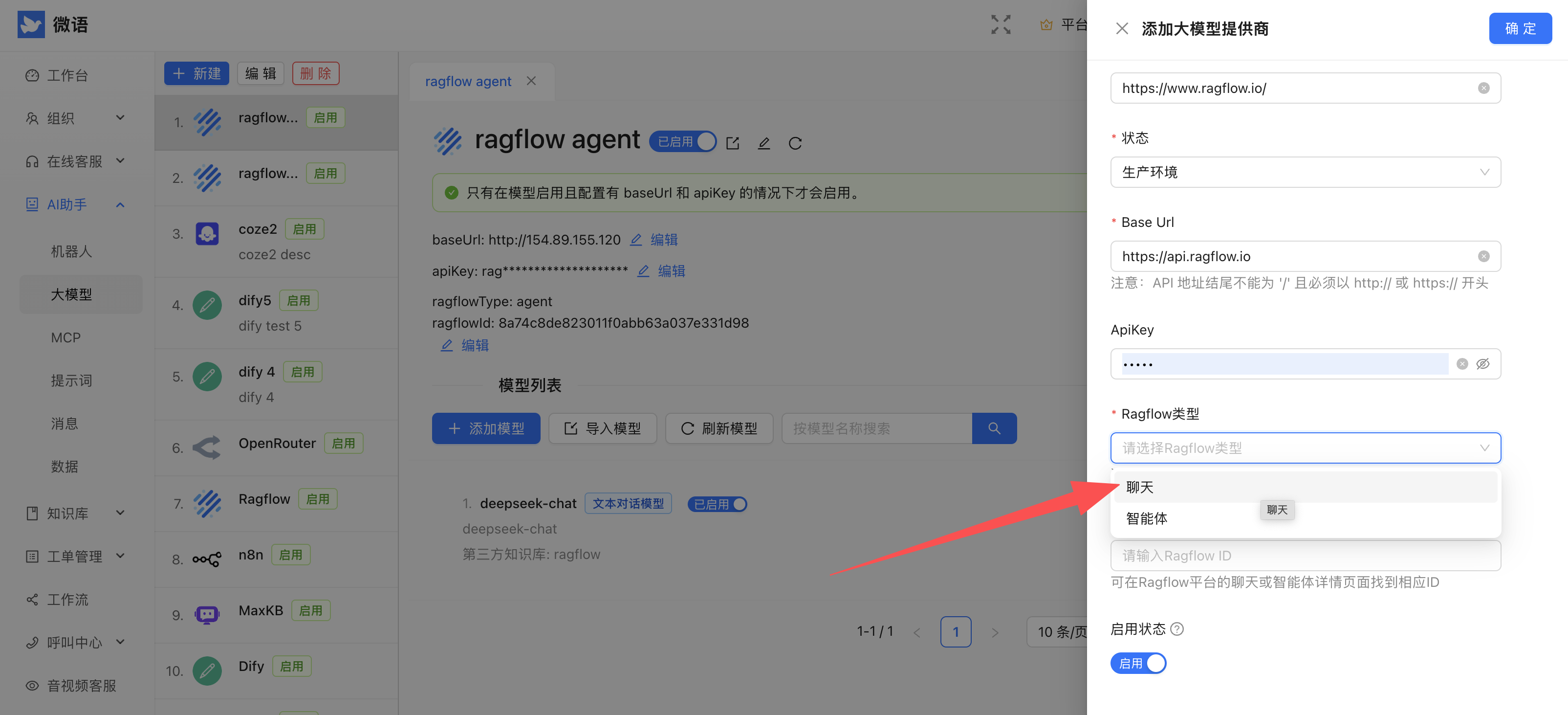
請選擇正確類型:chat 或 agent。
步驟二:從 RagFlow 取得 baseUrl 與 API Key
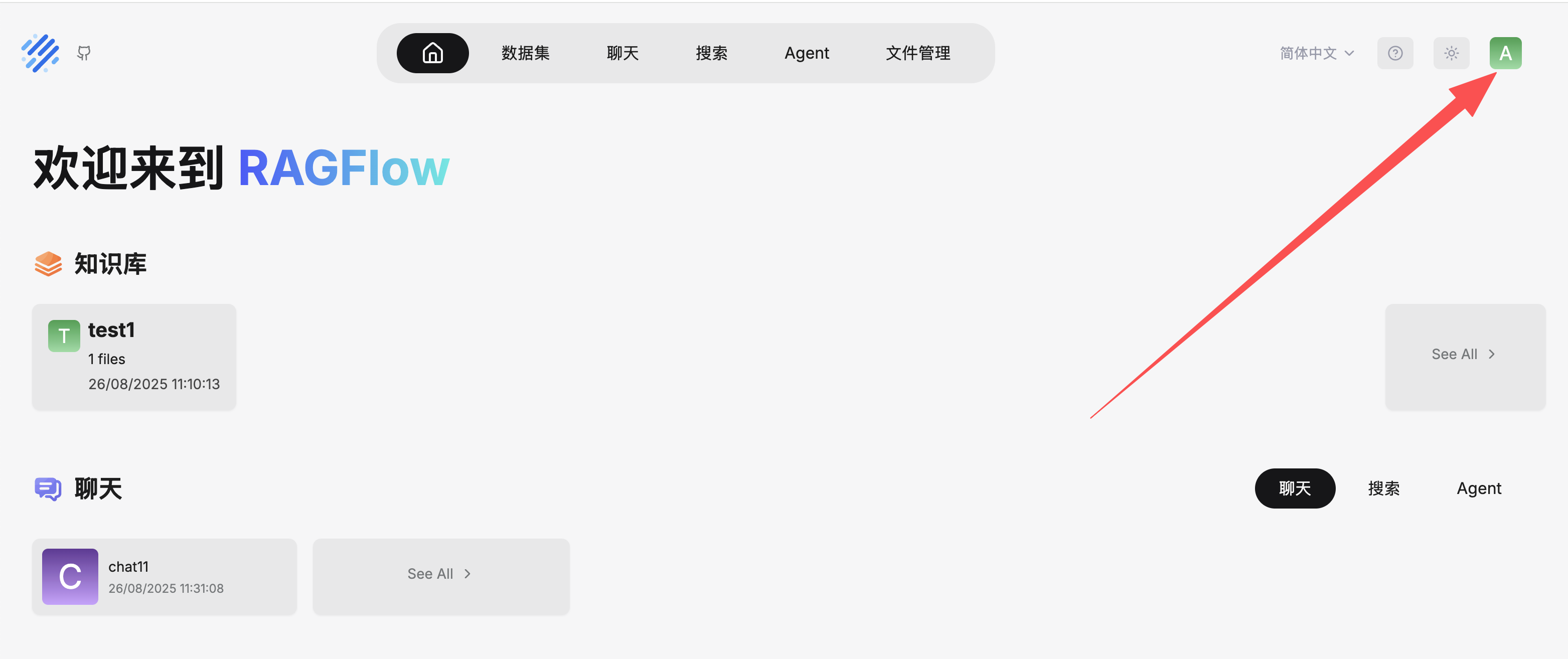
API Server 對應 baseUrl,API KEY 對應 apiKey。
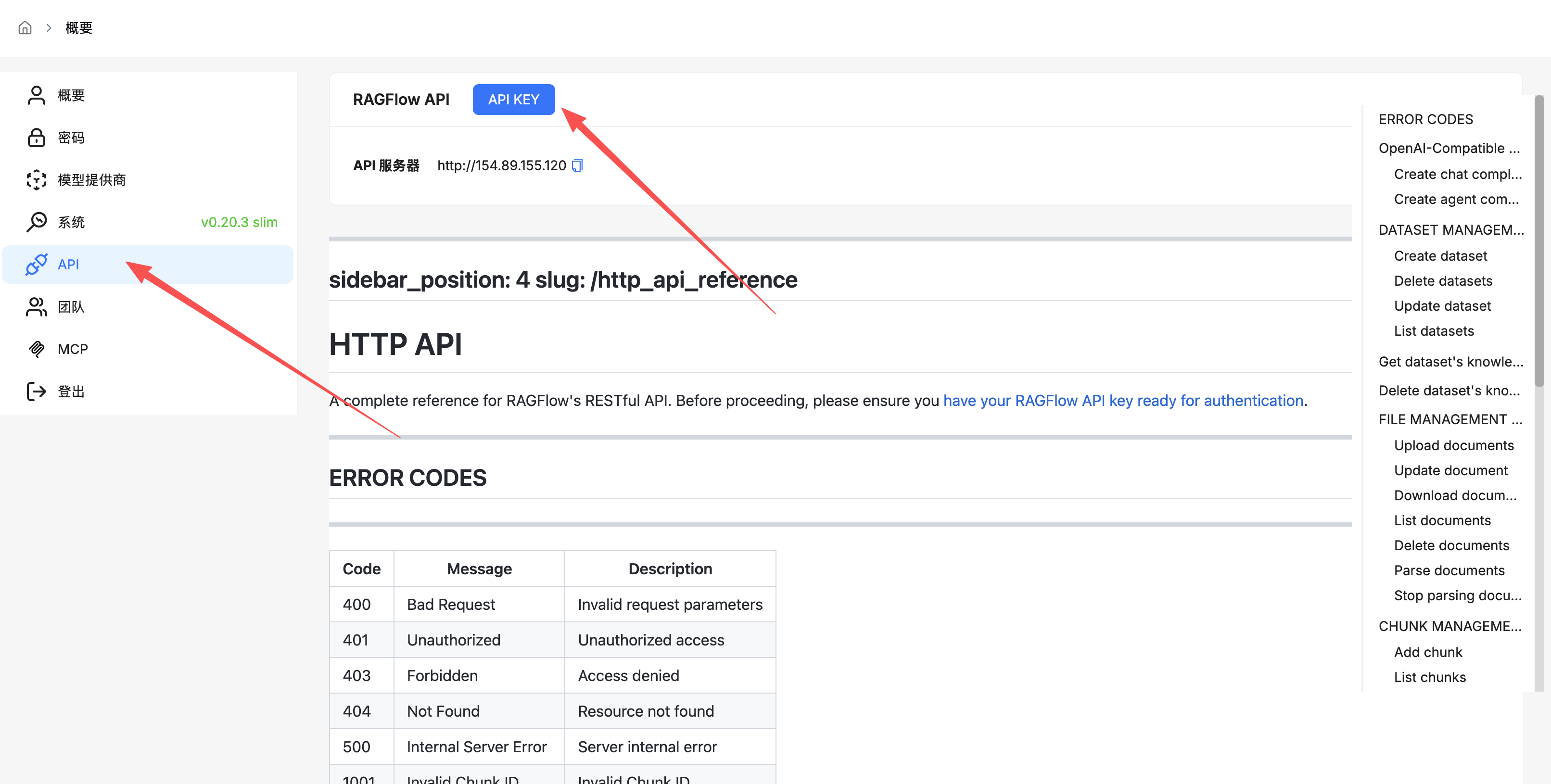
步驟三:對接 Chat 模式
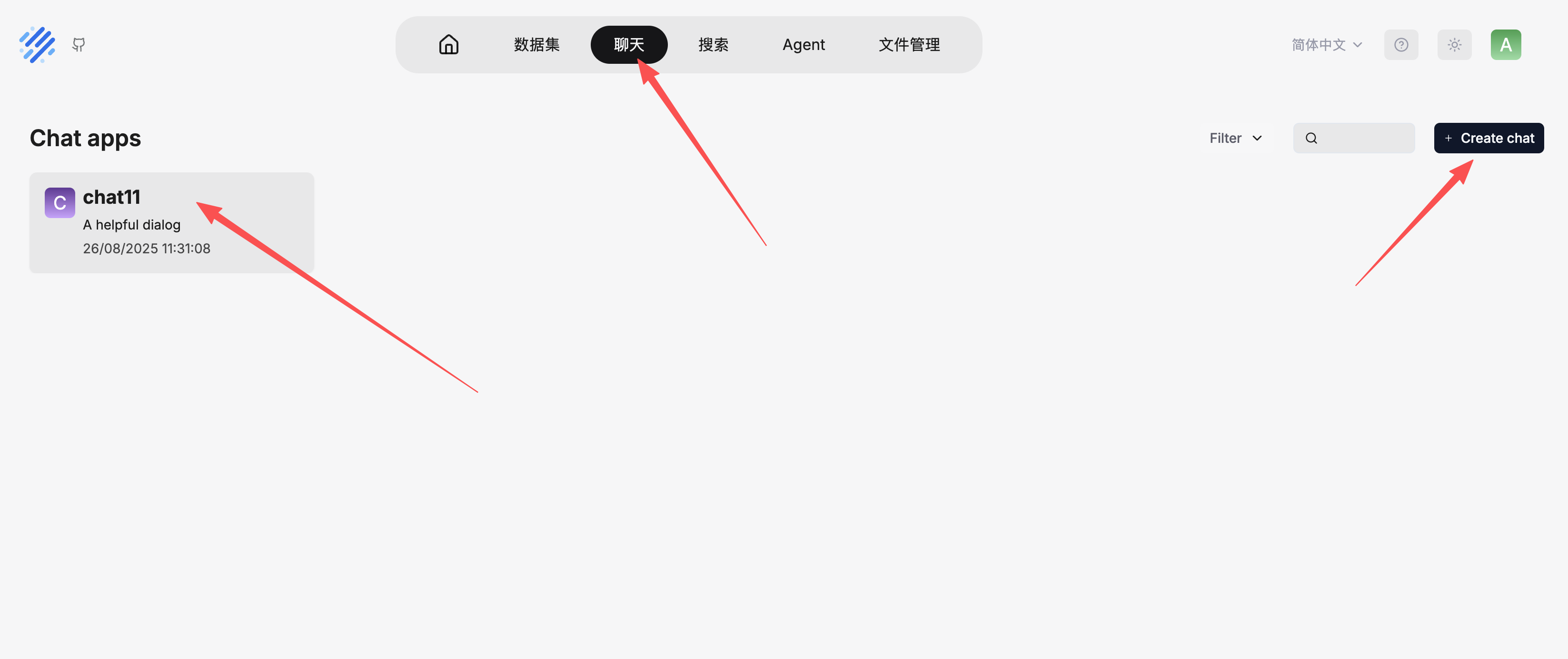
在 RagFlow 建立聊天應用:
取得 Chat ID:
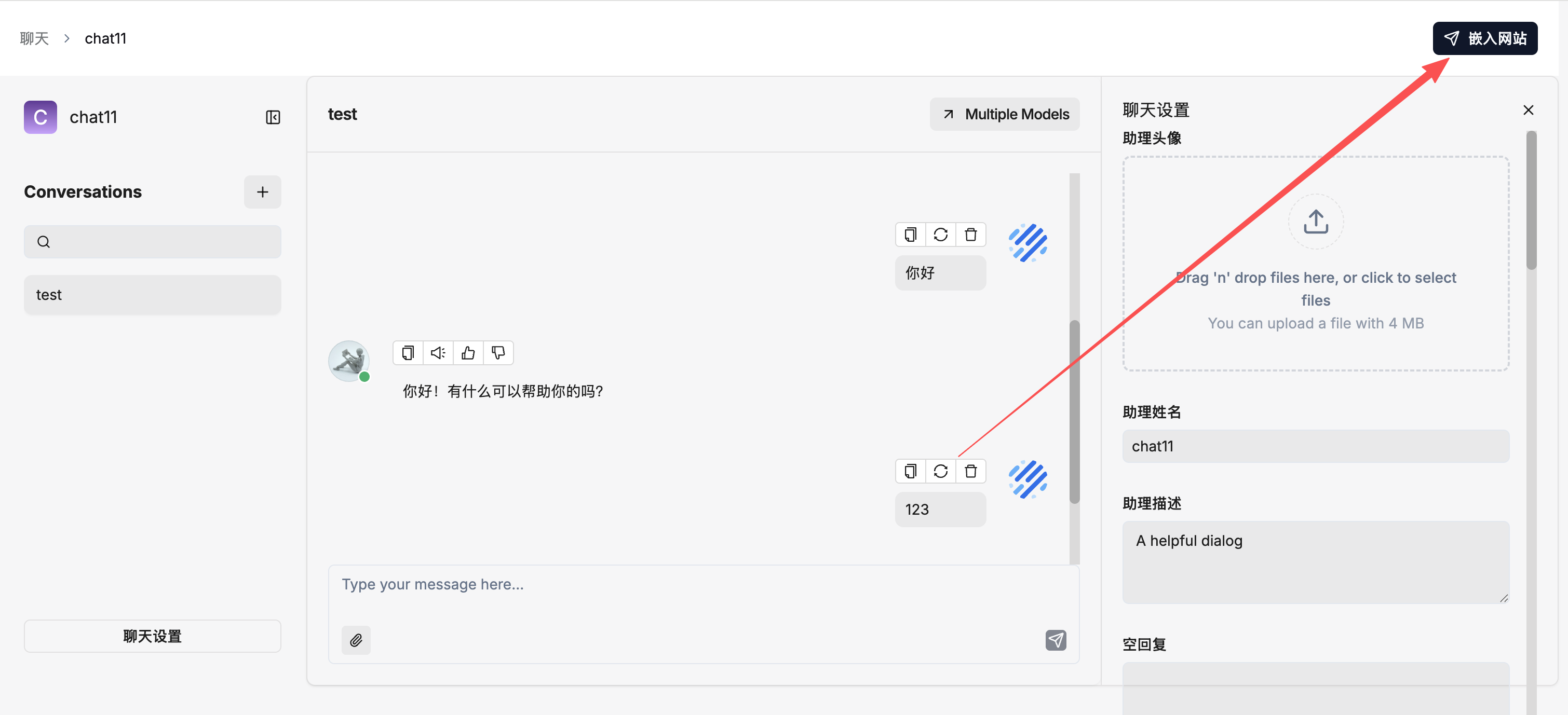
複製 Chat ID,填入微語中的 RagFlow ID 欄位。
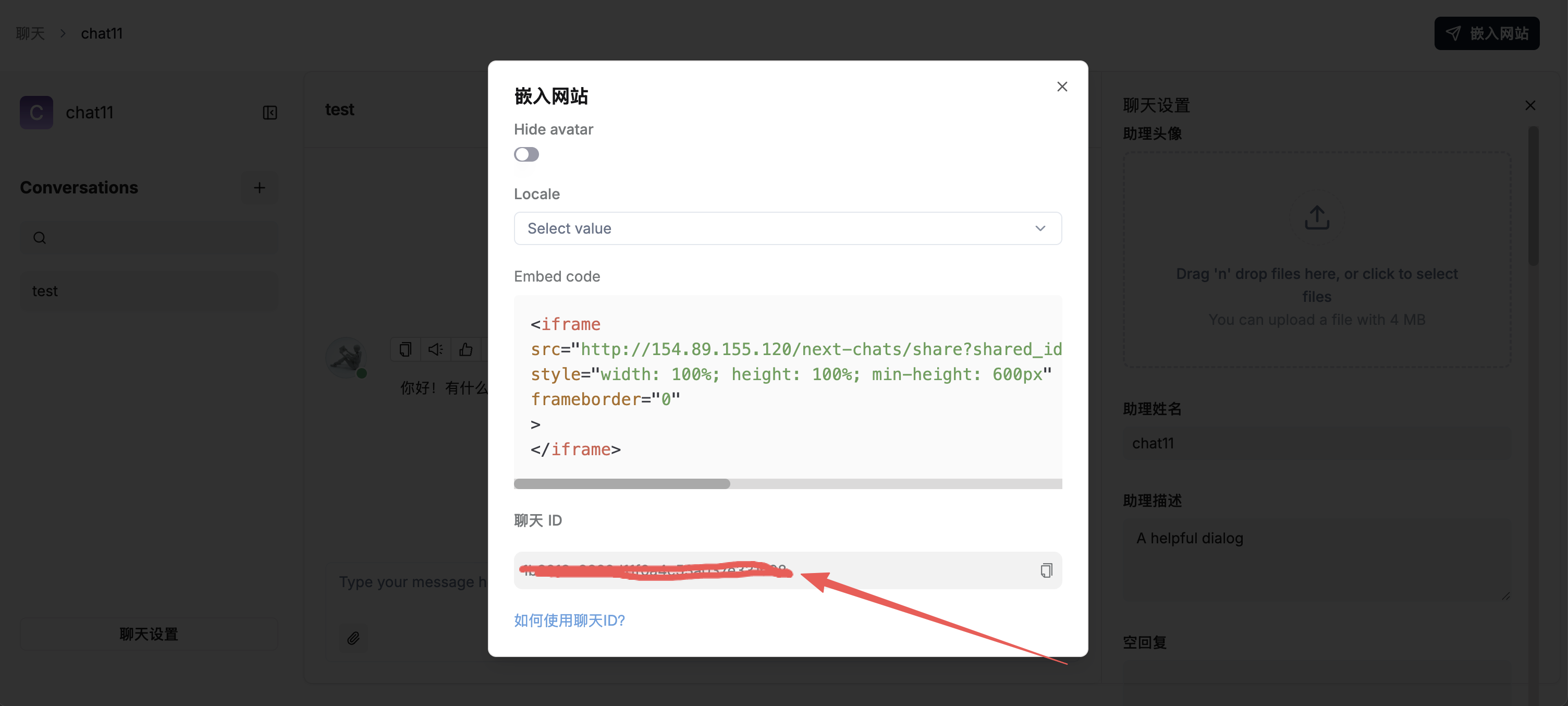
設定 RagFlow 模型:
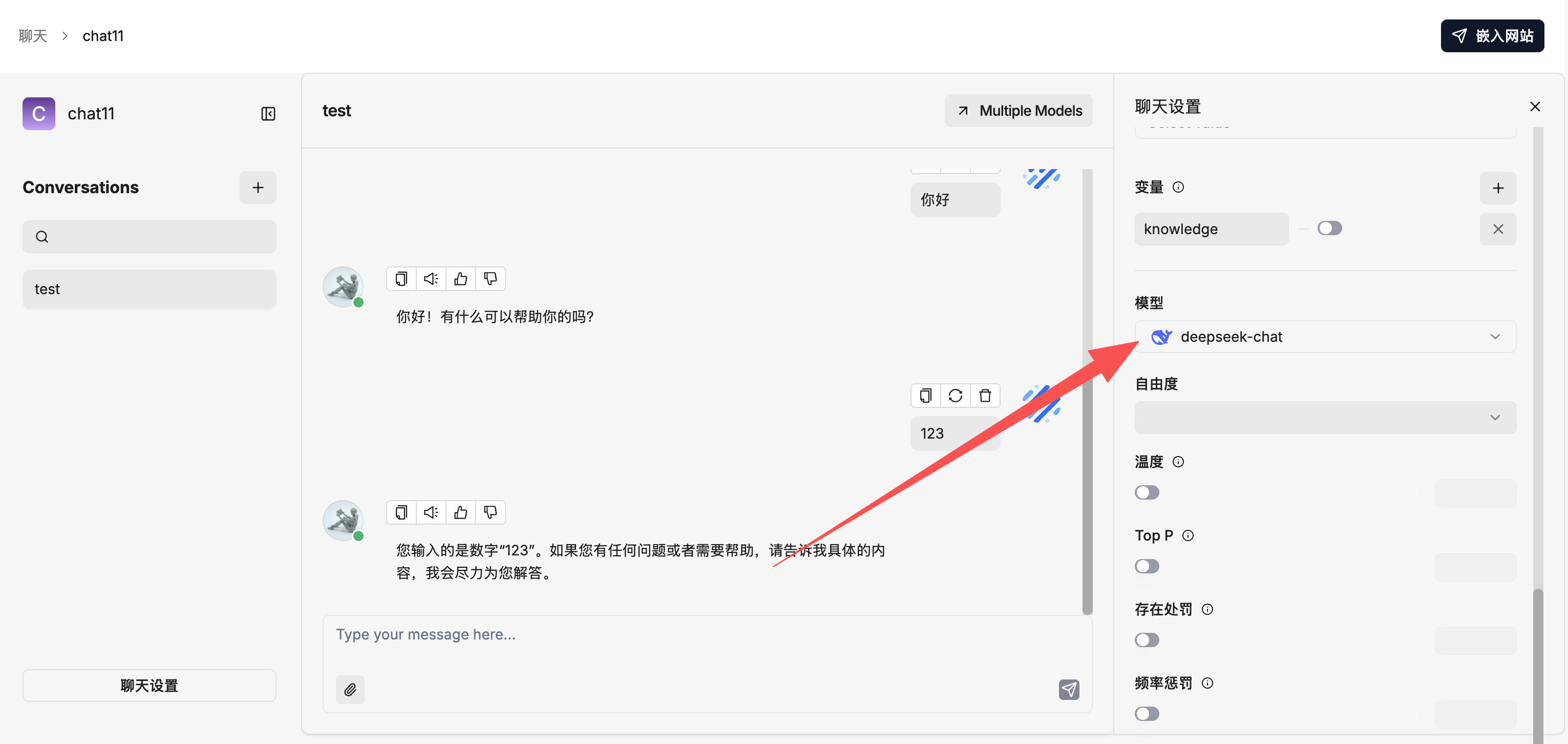
步驟四:或對接 Agent 模式
在 RagFlow 建立 Agent:
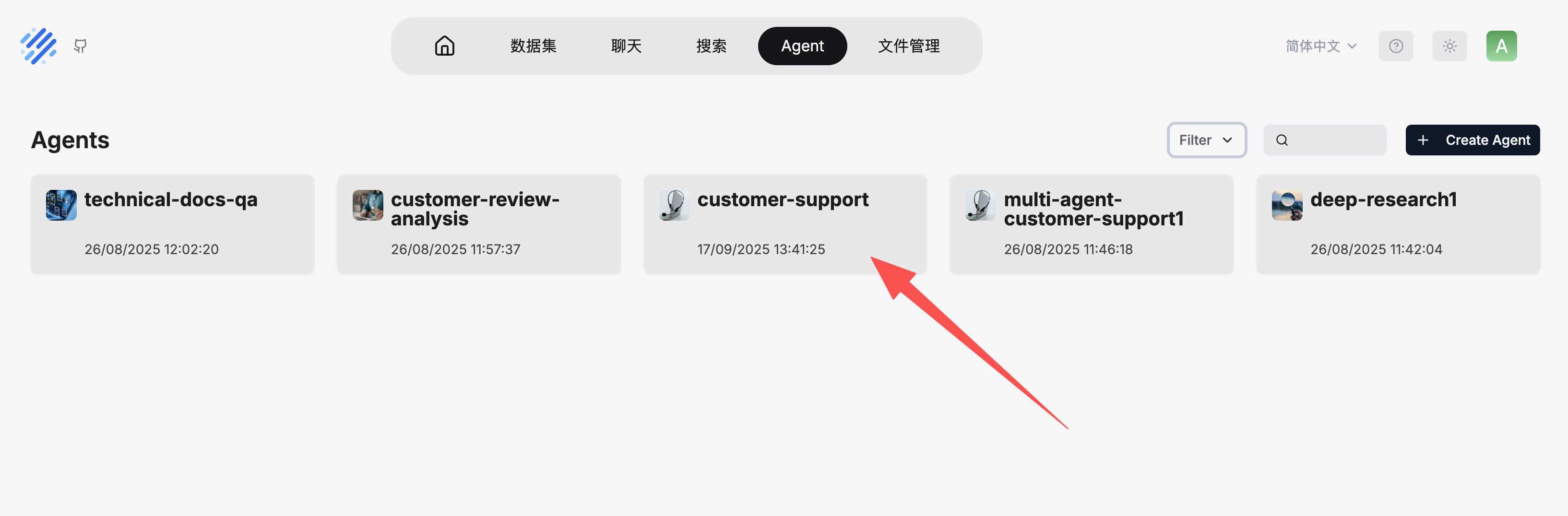
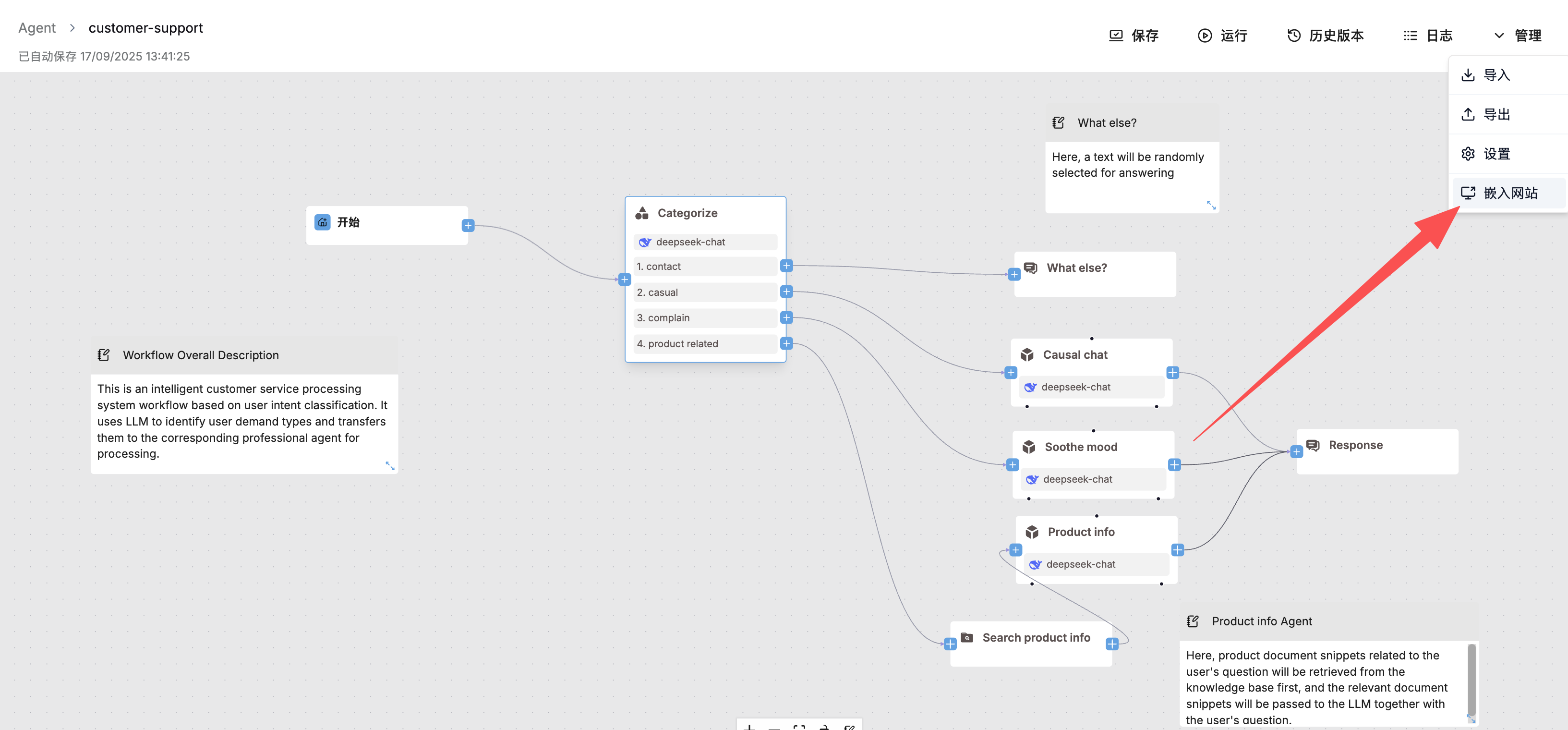
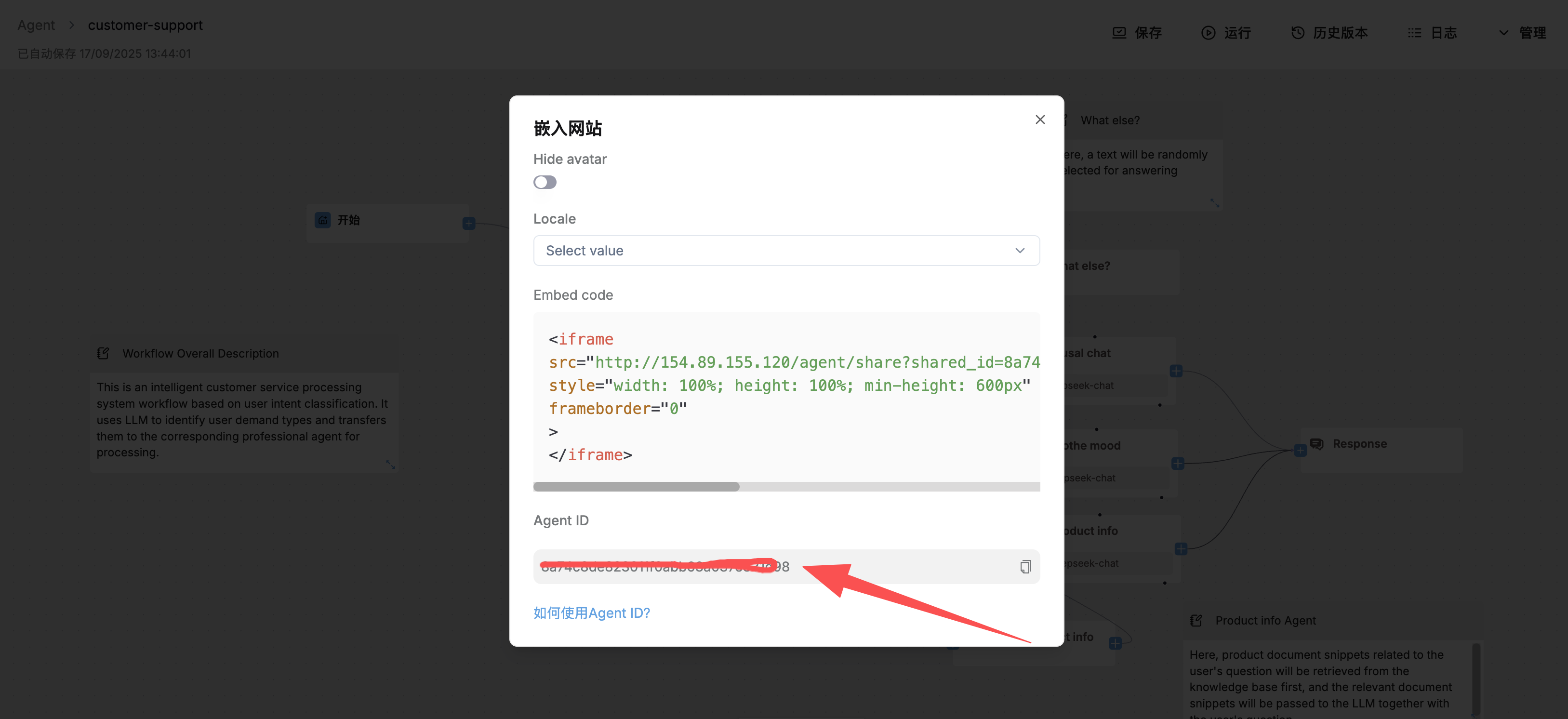
取得 Agent ID:
複製 Agent ID,填入微語中的 RagFlow ID 欄位。
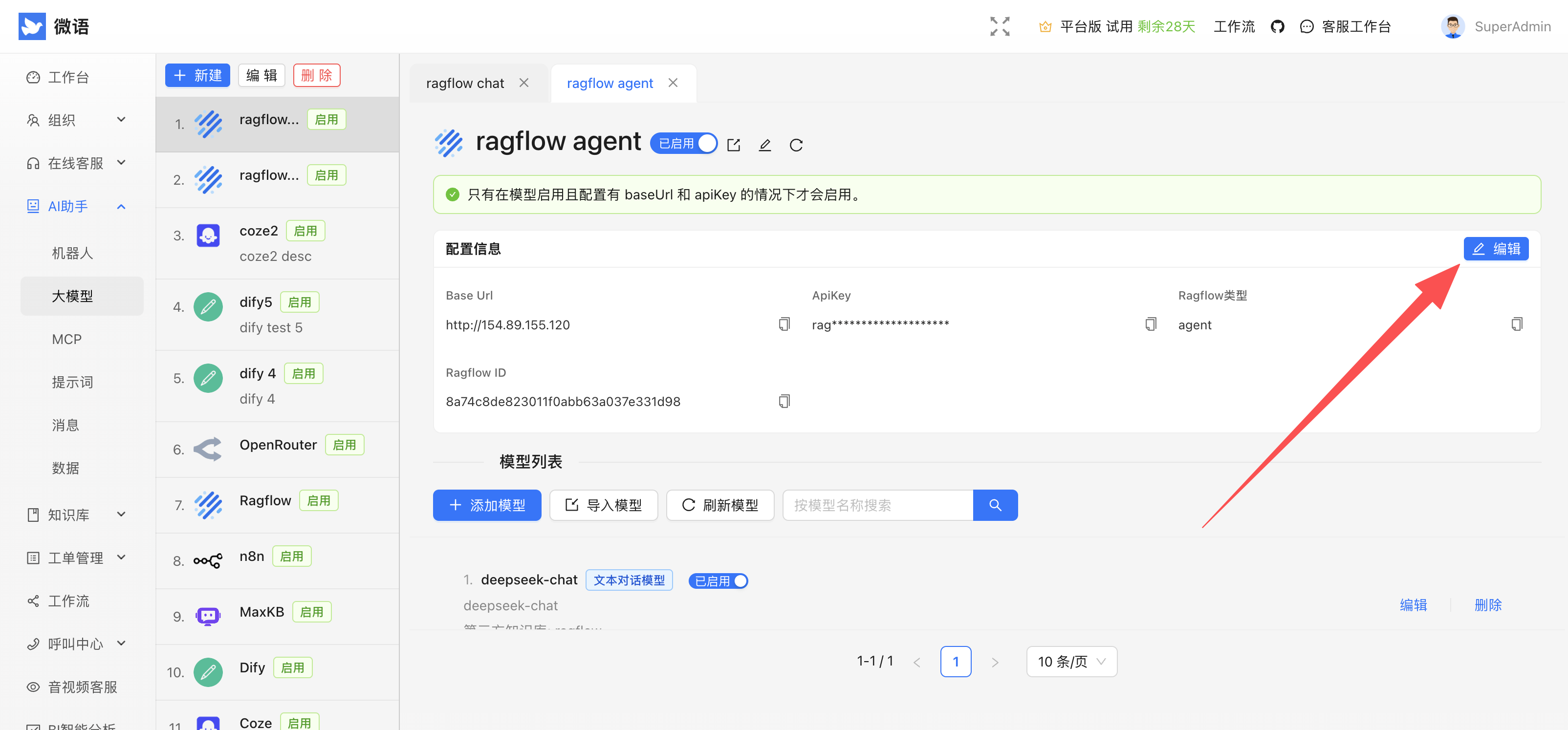
步驟五:在微語填入 Base URL、API Key 與 RagFlow ID
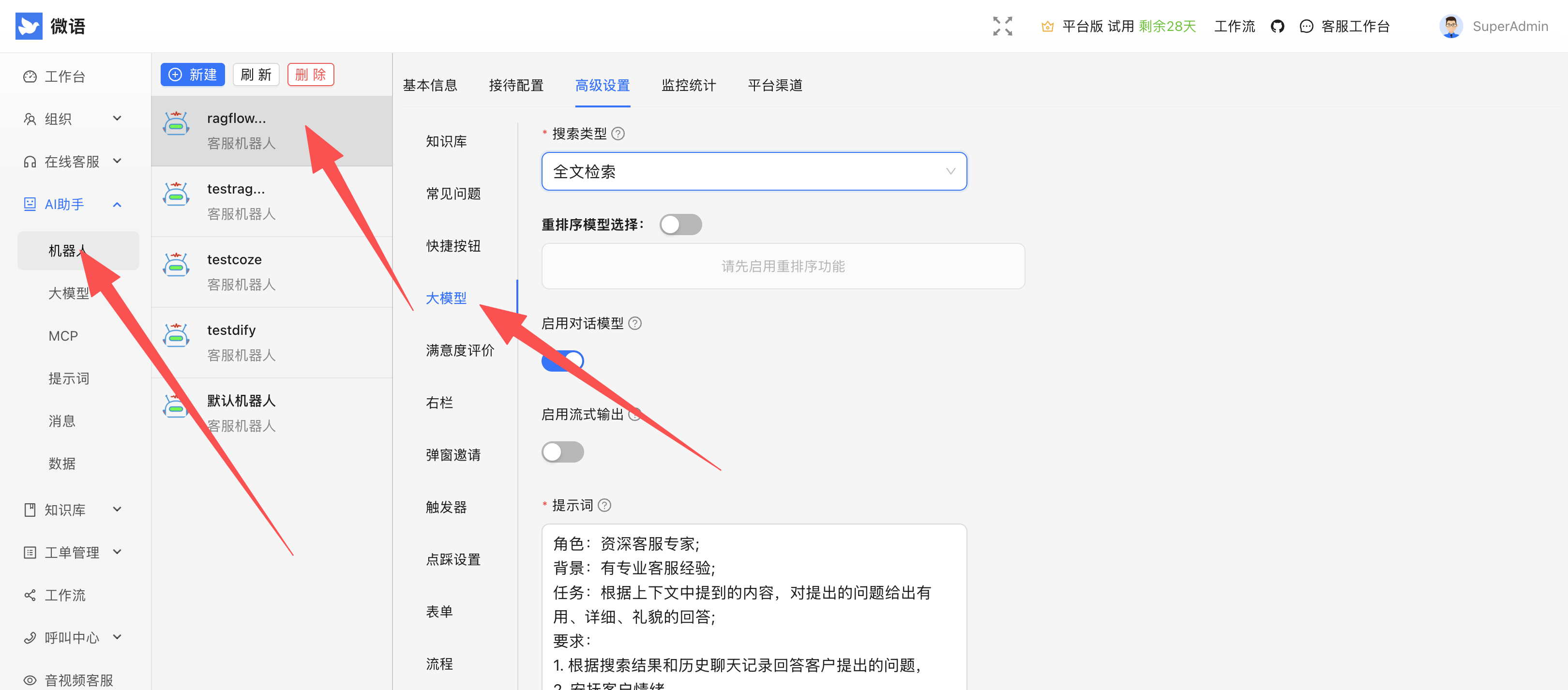
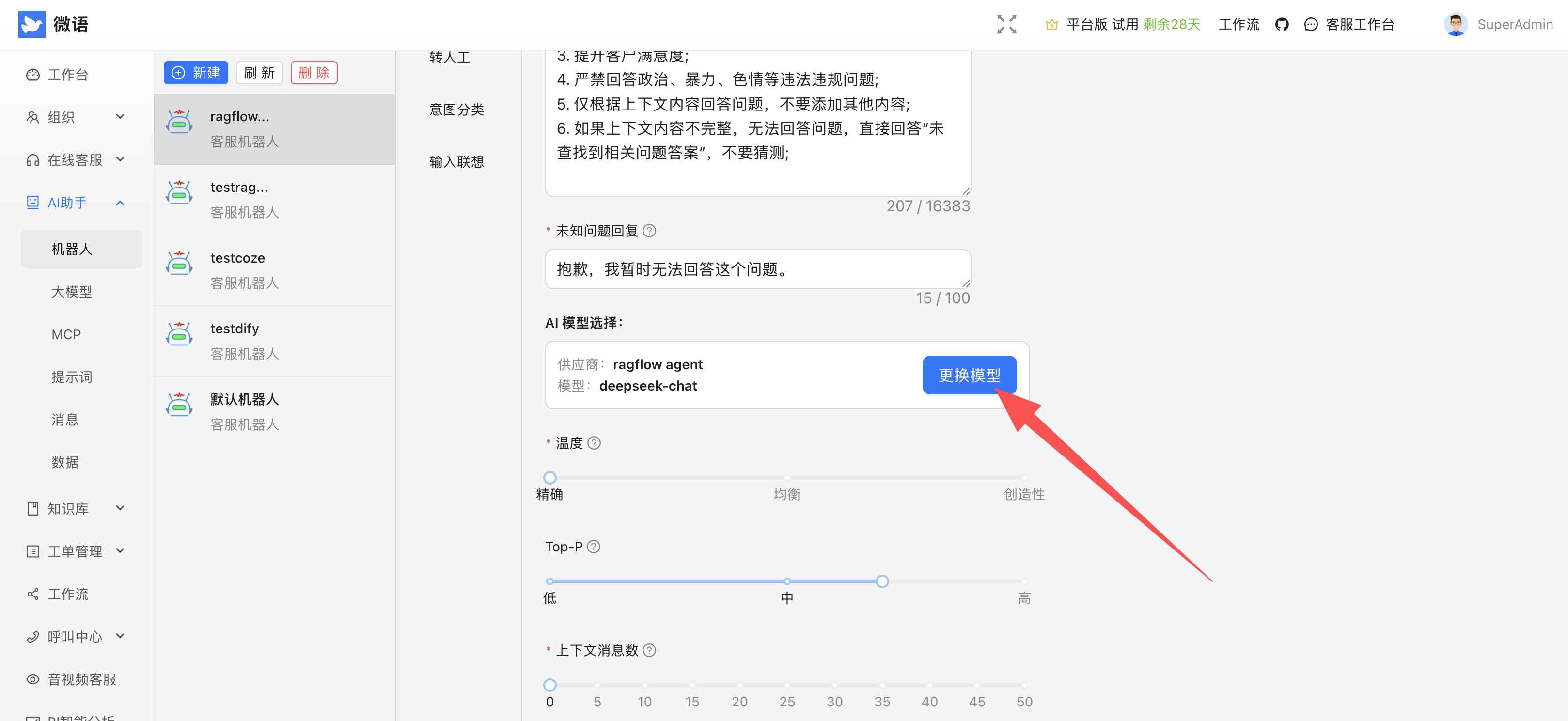
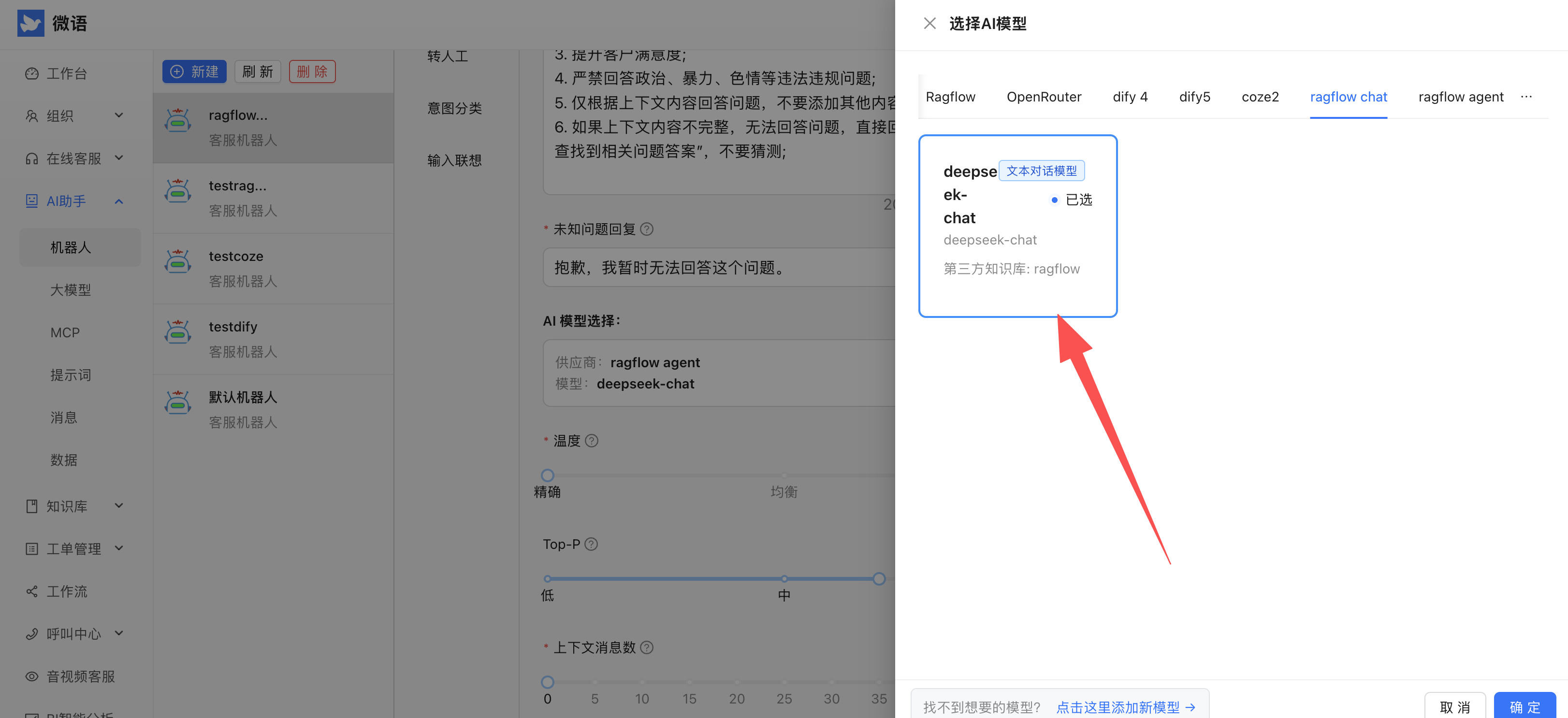
步驟六:配置機器人模型
步驟七:測試對話
取得對話連結:
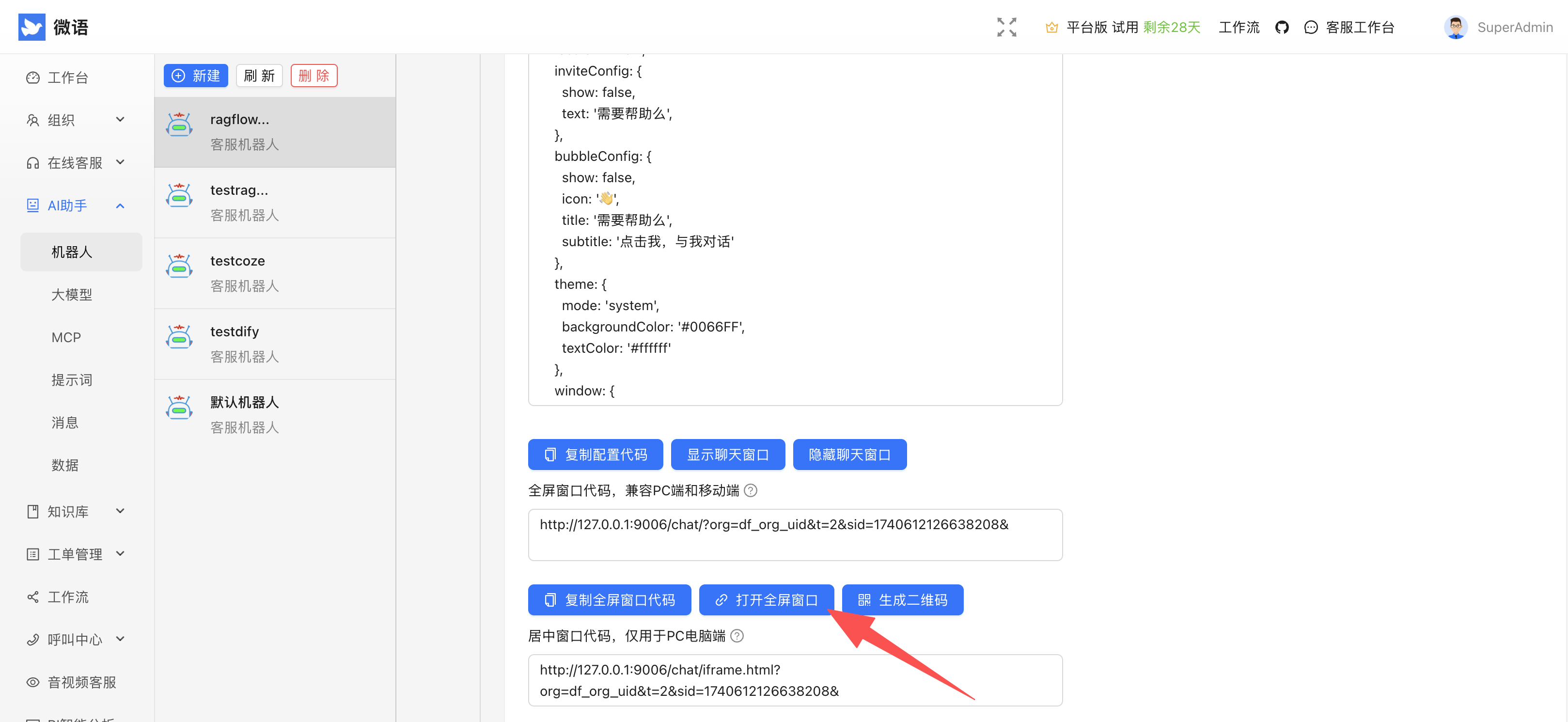
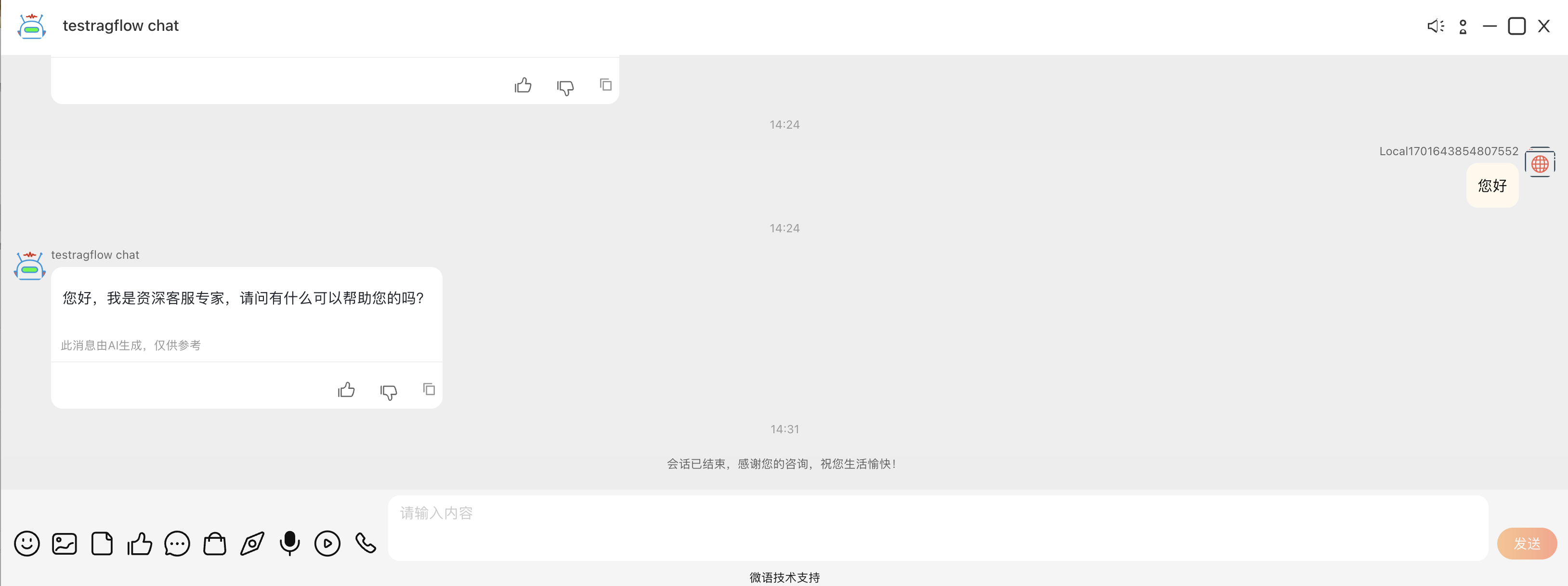
開始對話: