SiliconFlow Integration
This page explains how to connect Bytedesk to SiliconFlow models and use SiliconFlow as a cloud inference provider.
Prerequisites
- Bytedesk has been deployed
- You have created a SiliconFlow API key
Configuration Steps
- Create an API key in SiliconFlow: https://www.siliconflow.cn
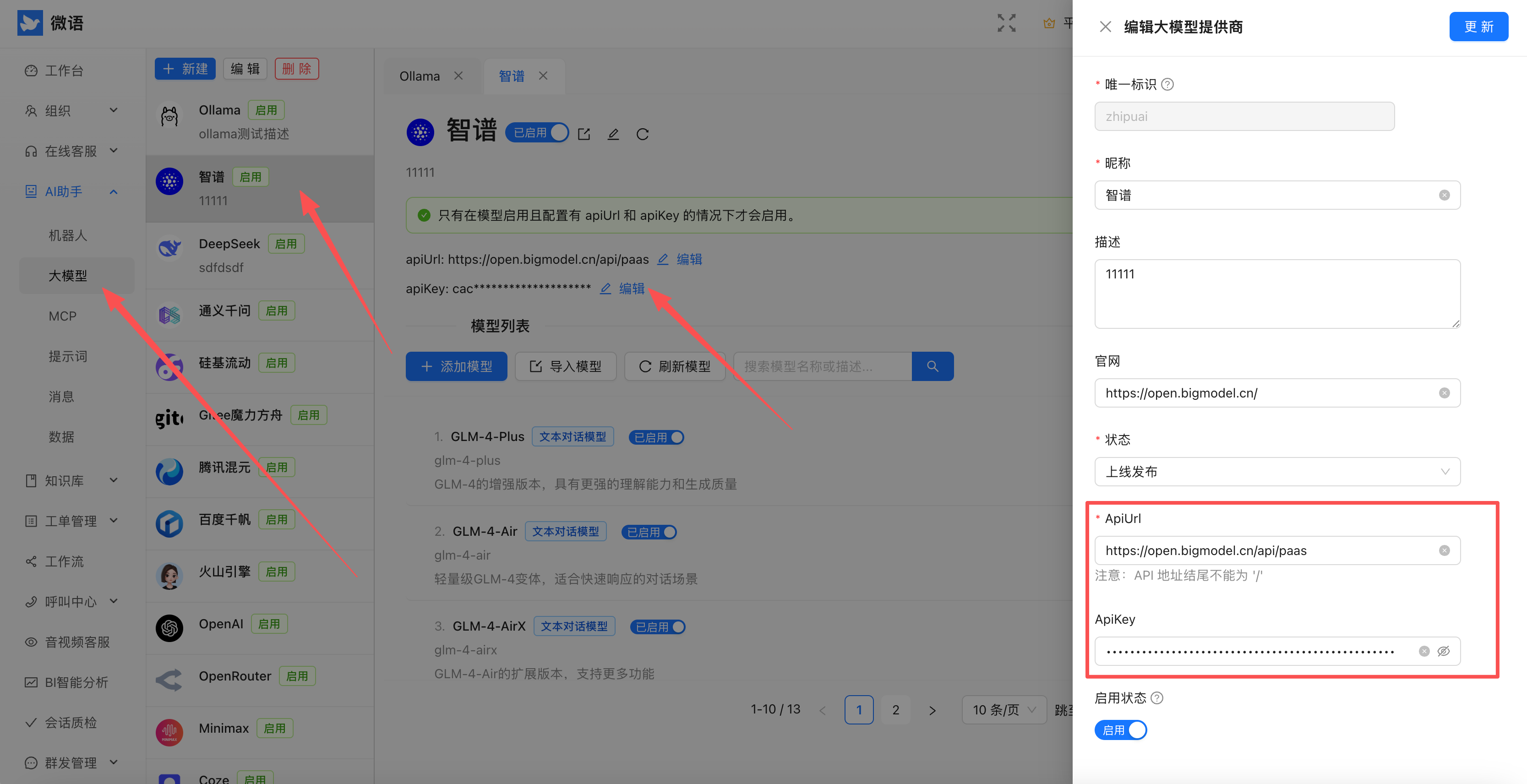
- Sign in to Bytedesk admin and enter the key
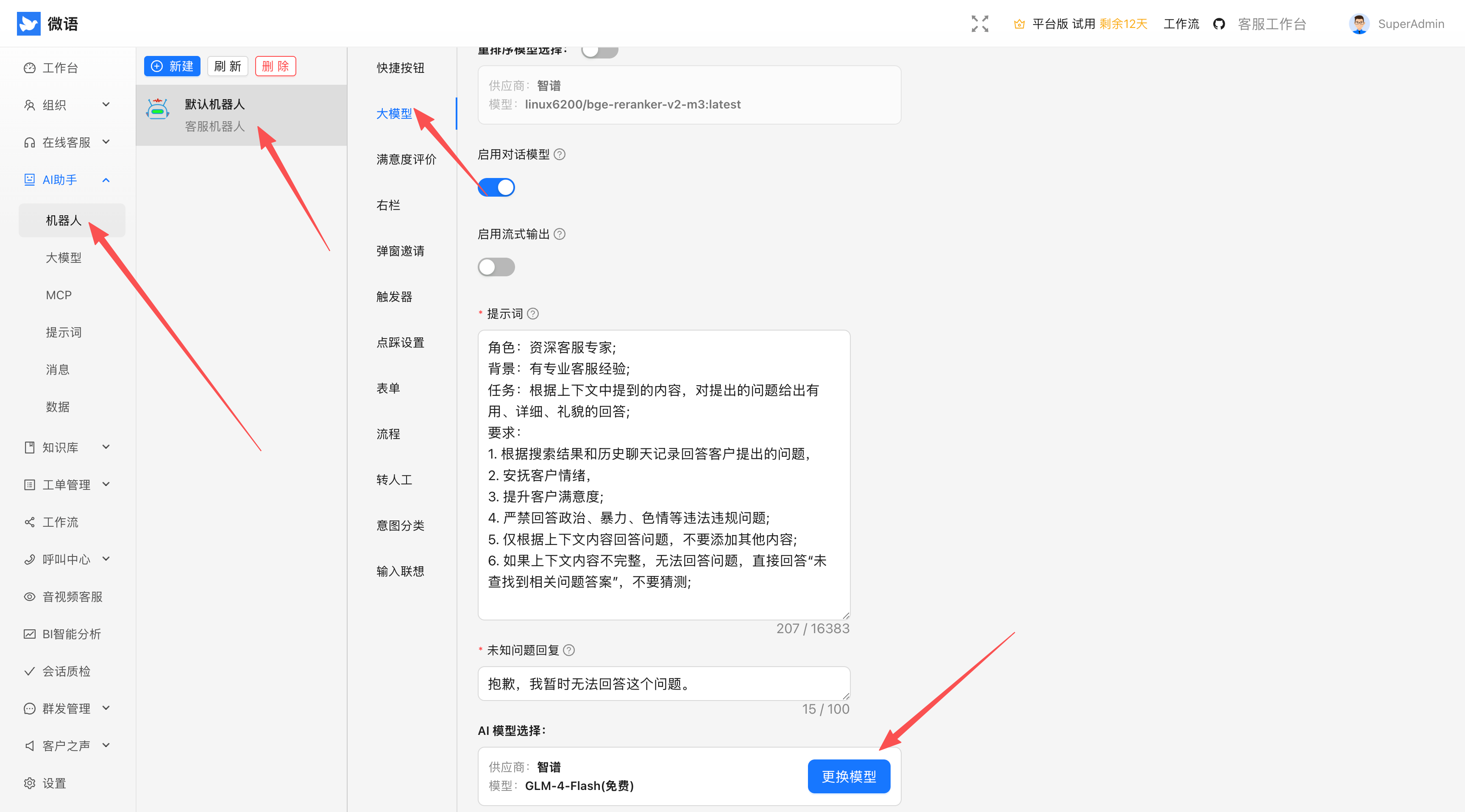
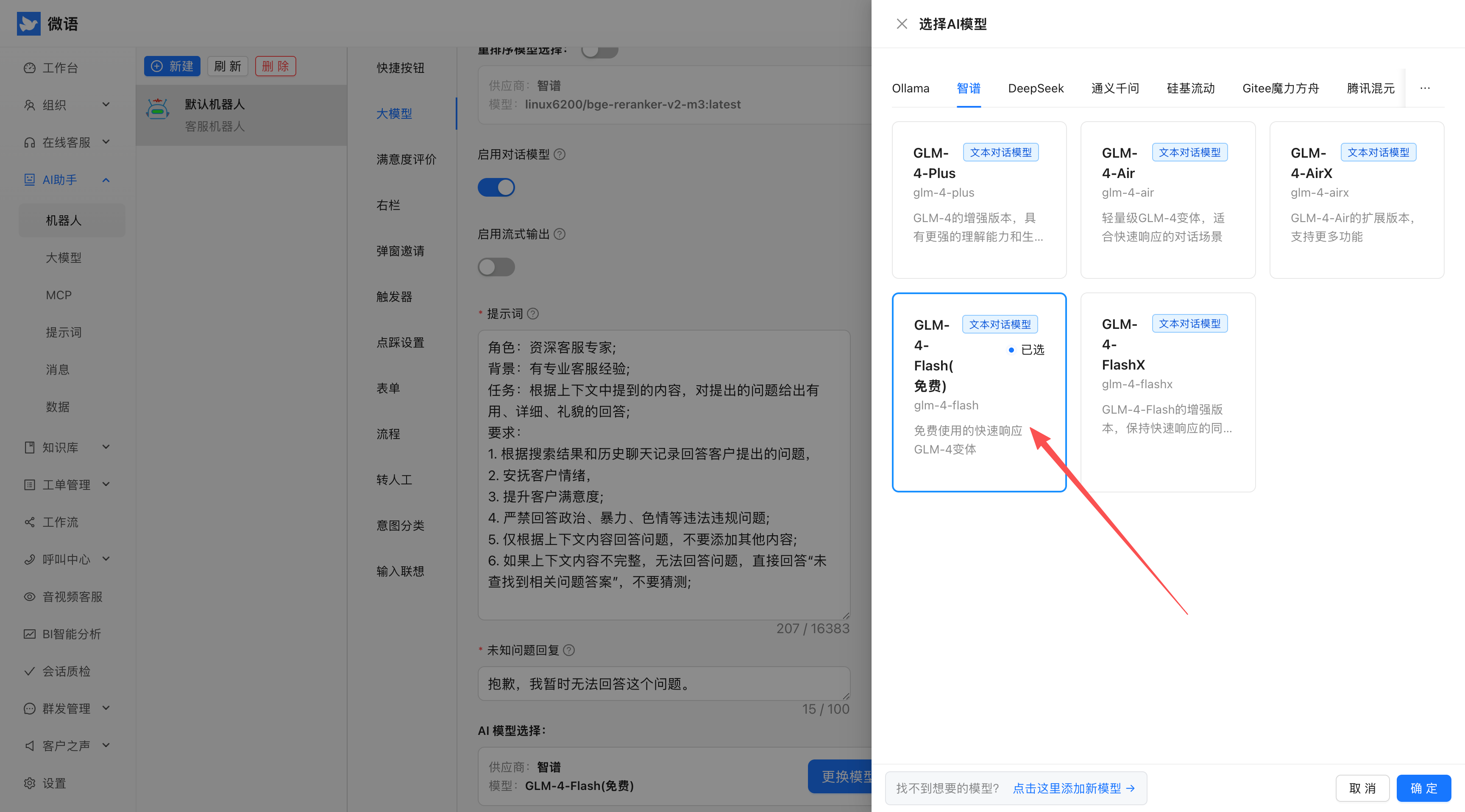
- Select SiliconFlow as the default provider
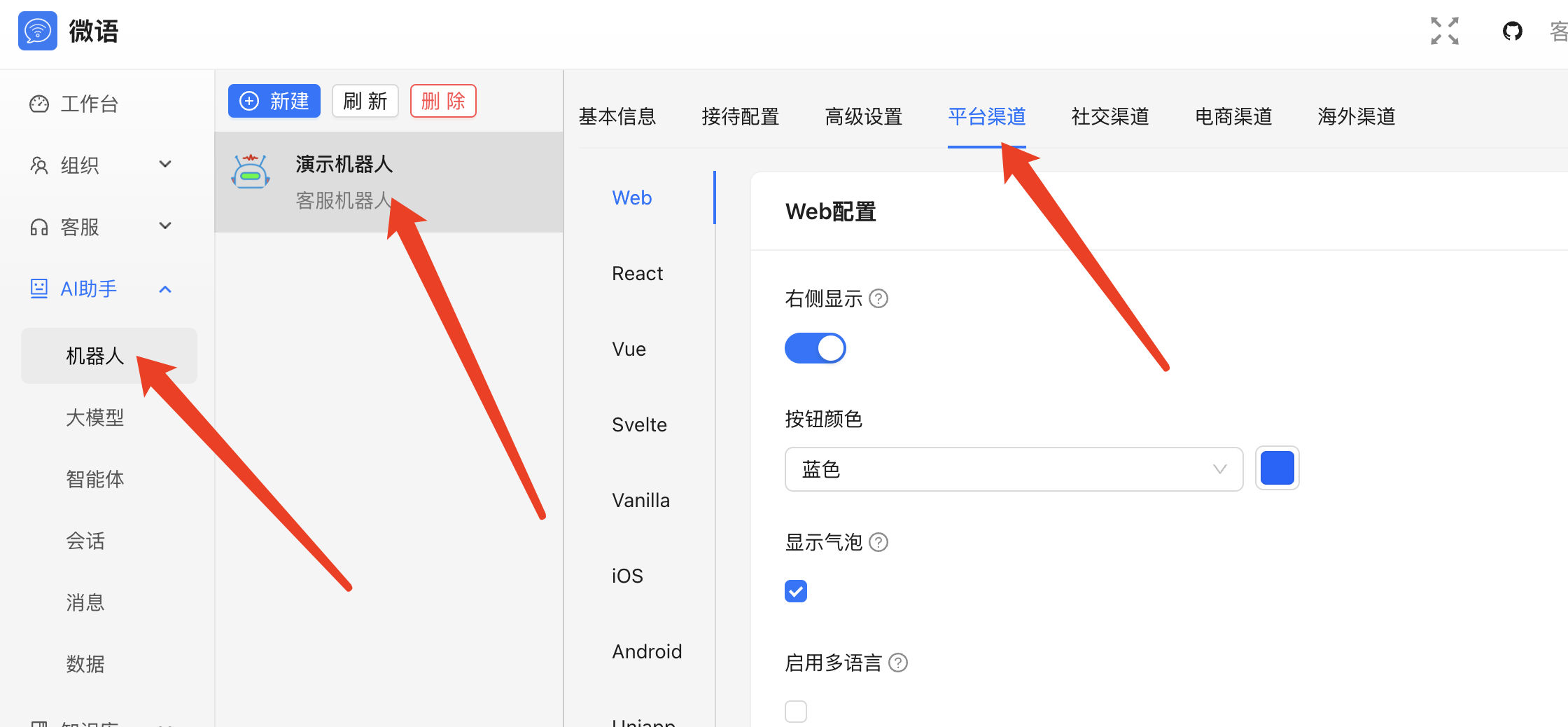
- Generate and embed the chat code
Example Result
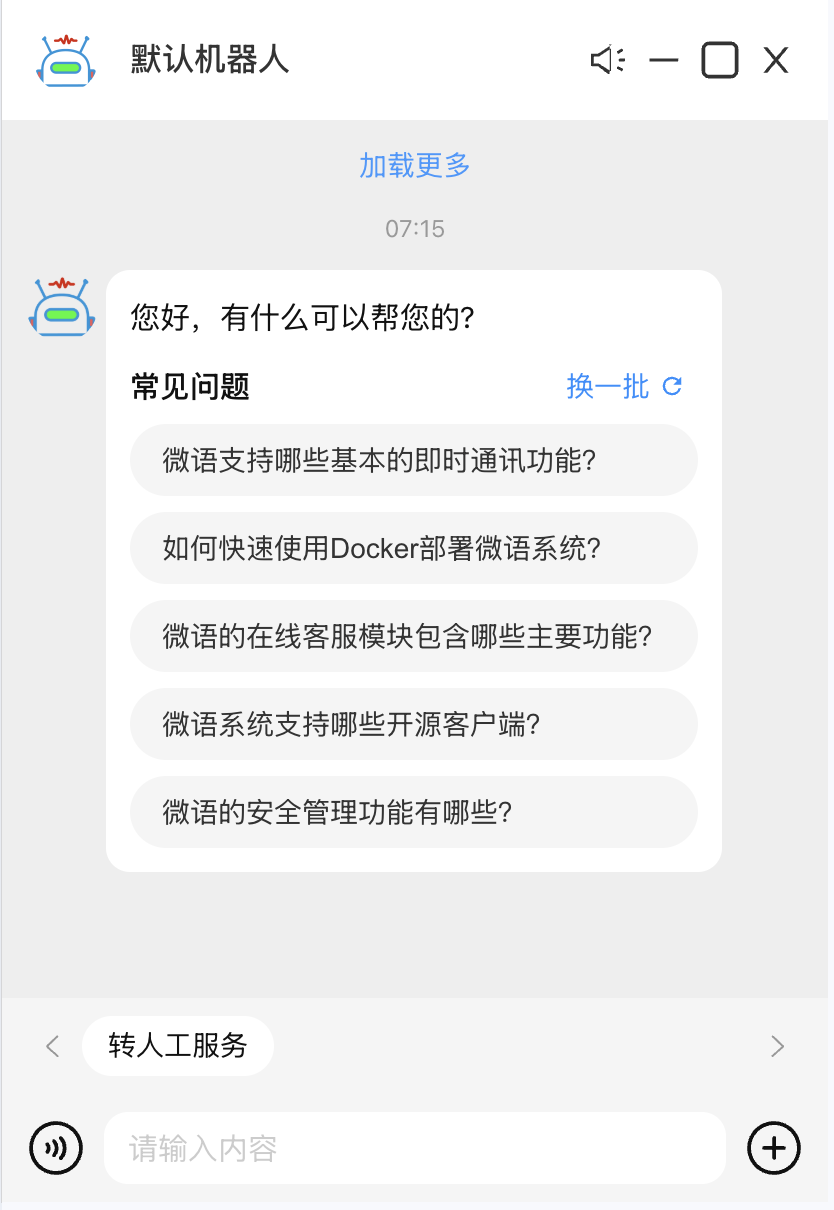
After setup, Bytedesk can invoke SiliconFlow-backed model services.
Optional Configuration
SPRING_AI_SILICONFLOW_BASE_URL=https://api.siliconflow.cn
SPRING_AI_SILICONFLOW_API_KEY=sk-xxxx
SPRING_AI_SILICONFLOW_CHAT_ENABLED=true
SPRING_AI_SILICONFLOW_CHAT_OPTIONS_MODEL=Qwen/QwQ-32B
SPRING_AI_SILICONFLOW_CHAT_OPTIONS_TEMPERATURE=0.7
spring.ai.siliconflow.base-url=https://api.siliconflow.cn
spring.ai.siliconflow.api-key=sk-xxxx
spring.ai.siliconflow.chat.enabled=true
spring.ai.siliconflow.chat.options.model=Qwen/QwQ-32B
spring.ai.siliconflow.chat.options.temperature=0.7
Common Issues
- Invalid key: confirm the SiliconFlow key is enabled.
- Slow responses: inspect network and provider load.
- Feature errors: verify the selected model is available.