OpenRouter Integration
This page explains how to connect Bytedesk to OpenRouter and route requests to multiple upstream models through a unified API entry.
Prerequisites
- Bytedesk has been deployed
- You have created an OpenRouter API key
Configuration Steps
1. Create an API Key
- Open https://openrouter.ai/keys
- Sign in to your OpenRouter account
- Create an API key
- Save the key securely
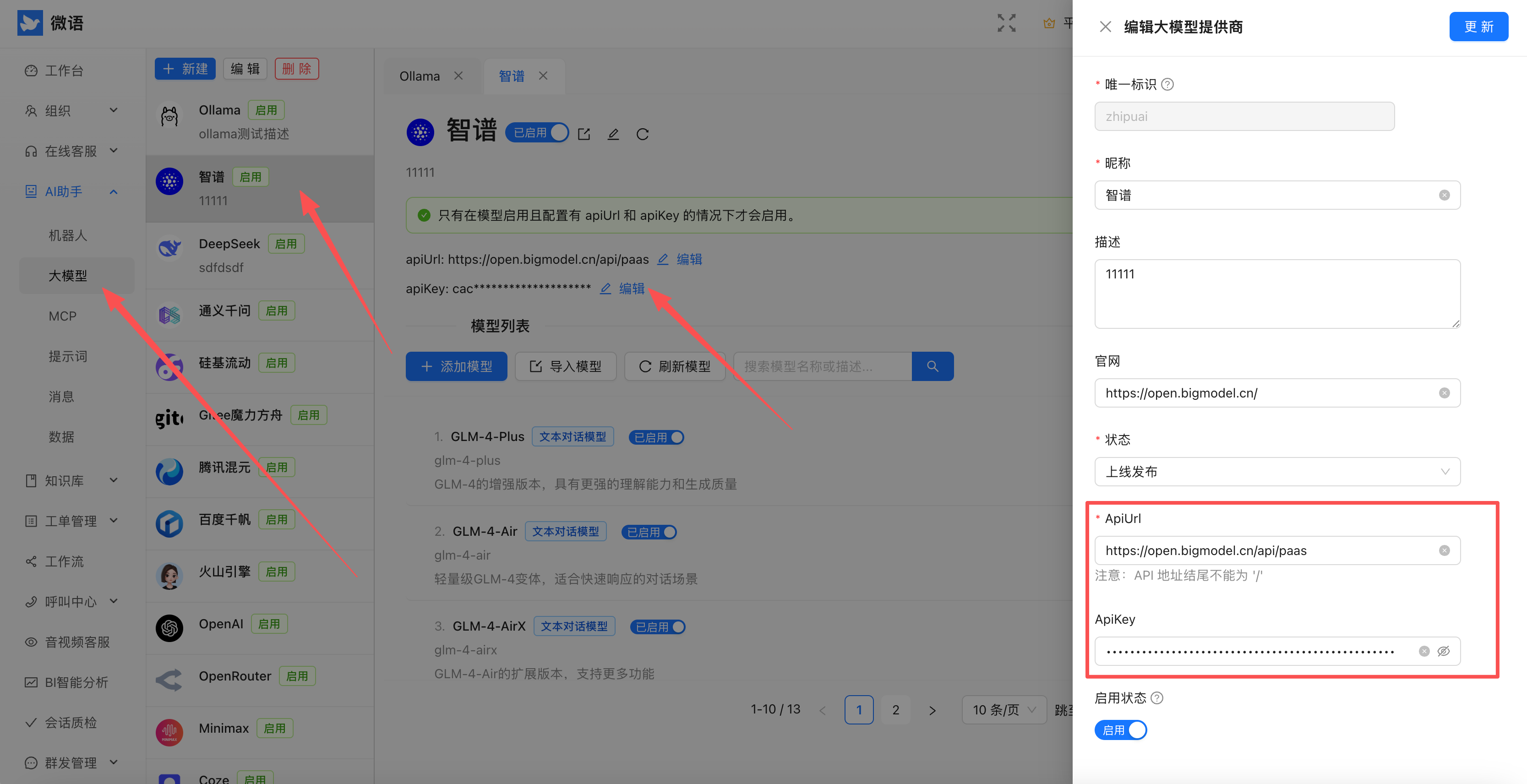
2. Configure the Admin Console
- Sign in to the Bytedesk admin console
- Open the provider configuration page
- Fill in the OpenRouter key
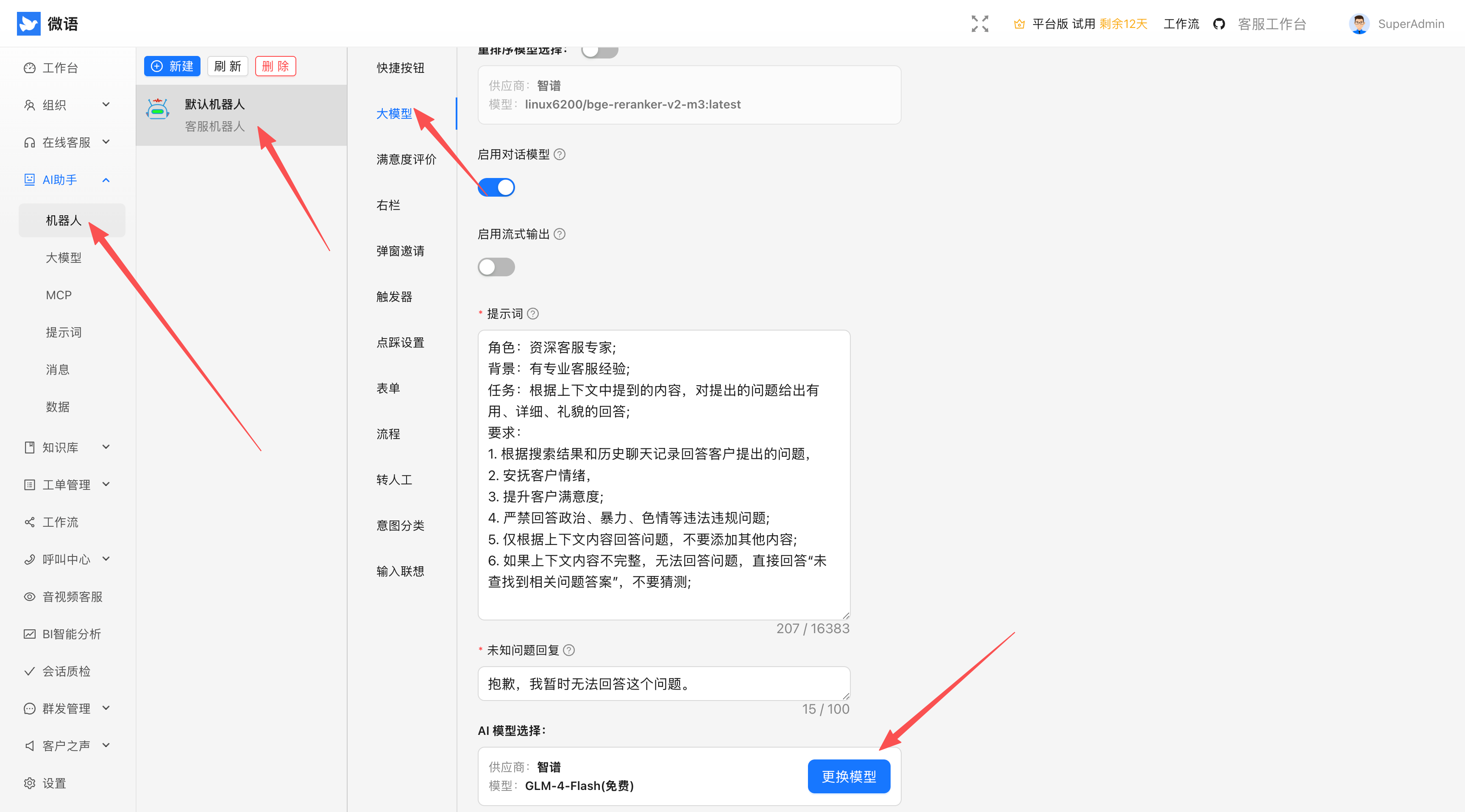
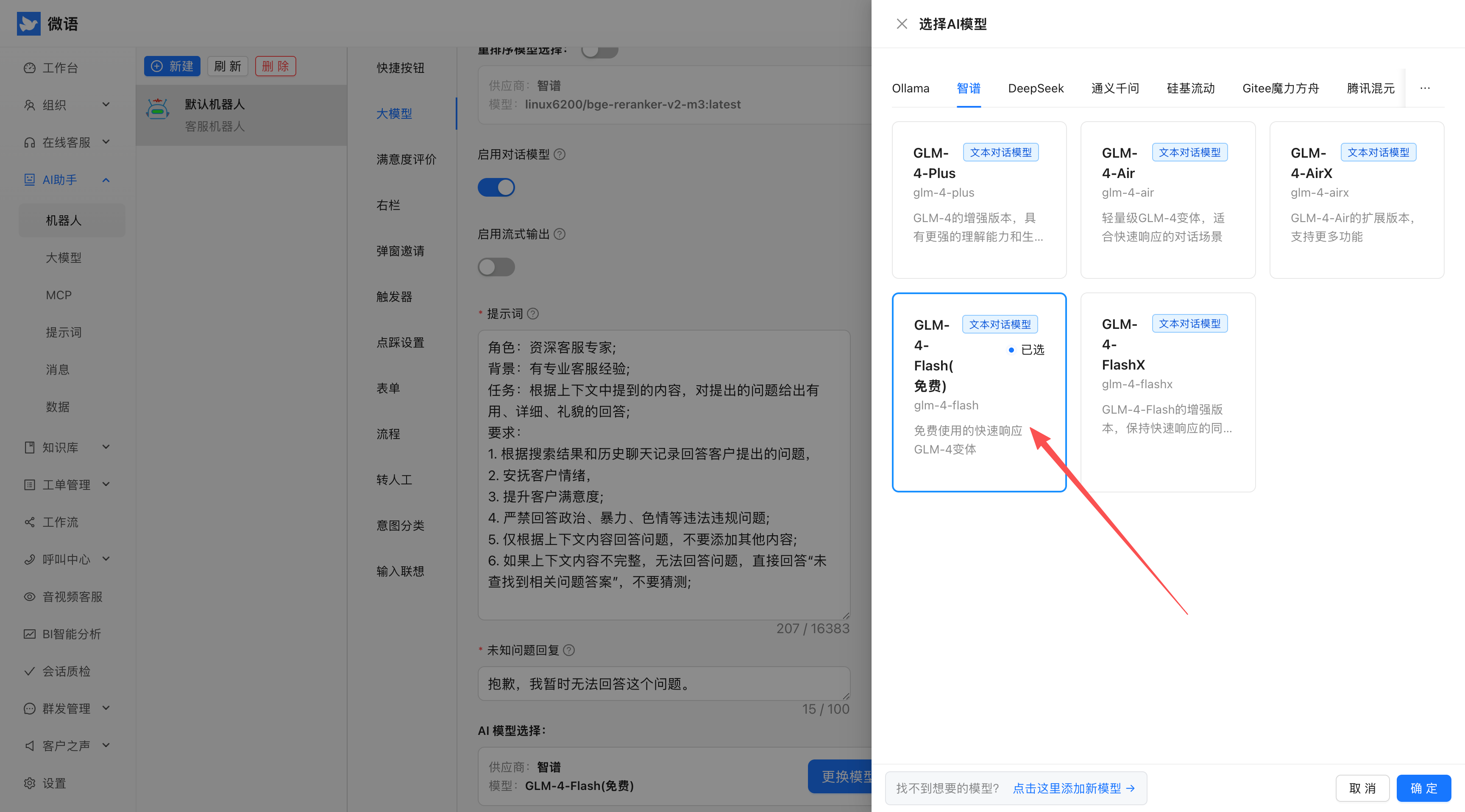
3. Select OpenRouter
- Open AI model settings
- Choose OpenRouter as the default provider
- Save the configuration
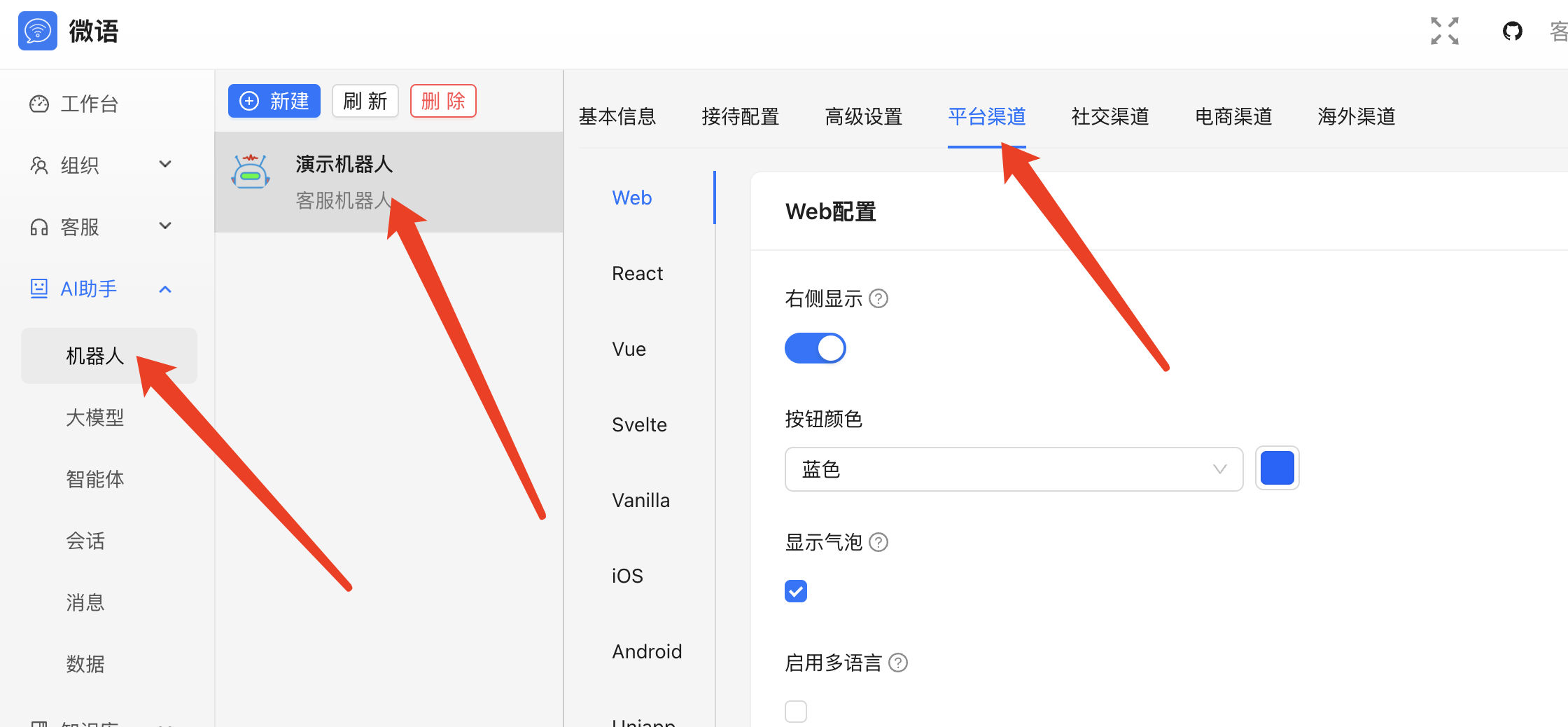
4. Publish the Chat Code
- Generate embed code from the admin console
- Copy it
- Integrate it into your website
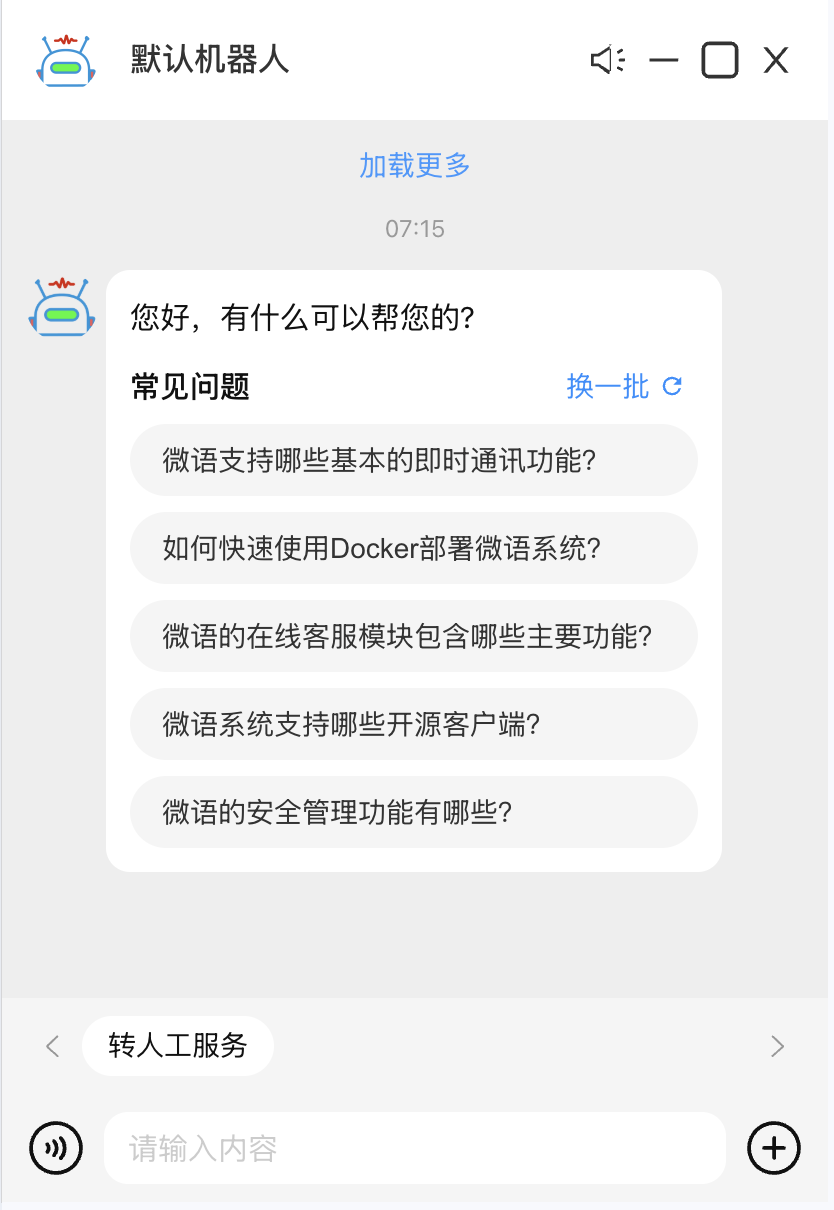
Example Result
After setup, Bytedesk can reach multiple LLM providers through OpenRouter.
Optional Configuration
Docker Environment Variables
SPRING_AI_OPENROUTER_BASE_URL=https://openrouter.ai/api
SPRING_AI_OPENROUTER_API_KEY=sk-xxx
SPRING_AI_OPENROUTER_CHAT_ENABLED=true
SPRING_AI_OPENROUTER_CHAT_OPTIONS_MODEL=openrouter/auto
SPRING_AI_OPENROUTER_CHAT_OPTIONS_TEMPERATURE=0.7
Source Configuration
spring.ai.openrouter.base-url=https://openrouter.ai/api
spring.ai.openrouter.api-key=sk-xxx
spring.ai.openrouter.chat.enabled=true
spring.ai.openrouter.chat.options.model=openrouter/auto
spring.ai.openrouter.chat.options.temperature=0.7
Common Issues
- Invalid key: confirm the key is valid in OpenRouter.
- Slow responses: inspect upstream model choice and network latency.
- Unexpected results: select a fixed model instead of
openrouter/autowhen needed.